 Merge JPG
Merge JPG Images Online – Free, Fast & High Quality
Combine Multiple JPG Images into a Single File Without Quality Loss.



What Is “Merge JPGs”?
Merge JPGs is a free online tool that allows you to combine multiple JPG images into a single image or document in just a few clicks. Whether you’re organizing scanned documents, creating image collages, preparing product photos, or combining images for printing, our tool makes the process simple and efficient. No installation is required. You can merge JPG images directly in your browser while keeping the original resolution and layout intact. Our tool is designed for speed, ease of use, and image quality, making it suitable for both beginners and professionals.
Upload your images, arrange them in the order you want, choose your preferred output format, and download the merged result instantly.
Merge nowWhy Use Our JPG Merger?
With our free online tool, you can merge JPG files in just a few seconds, no downloads or installations required.
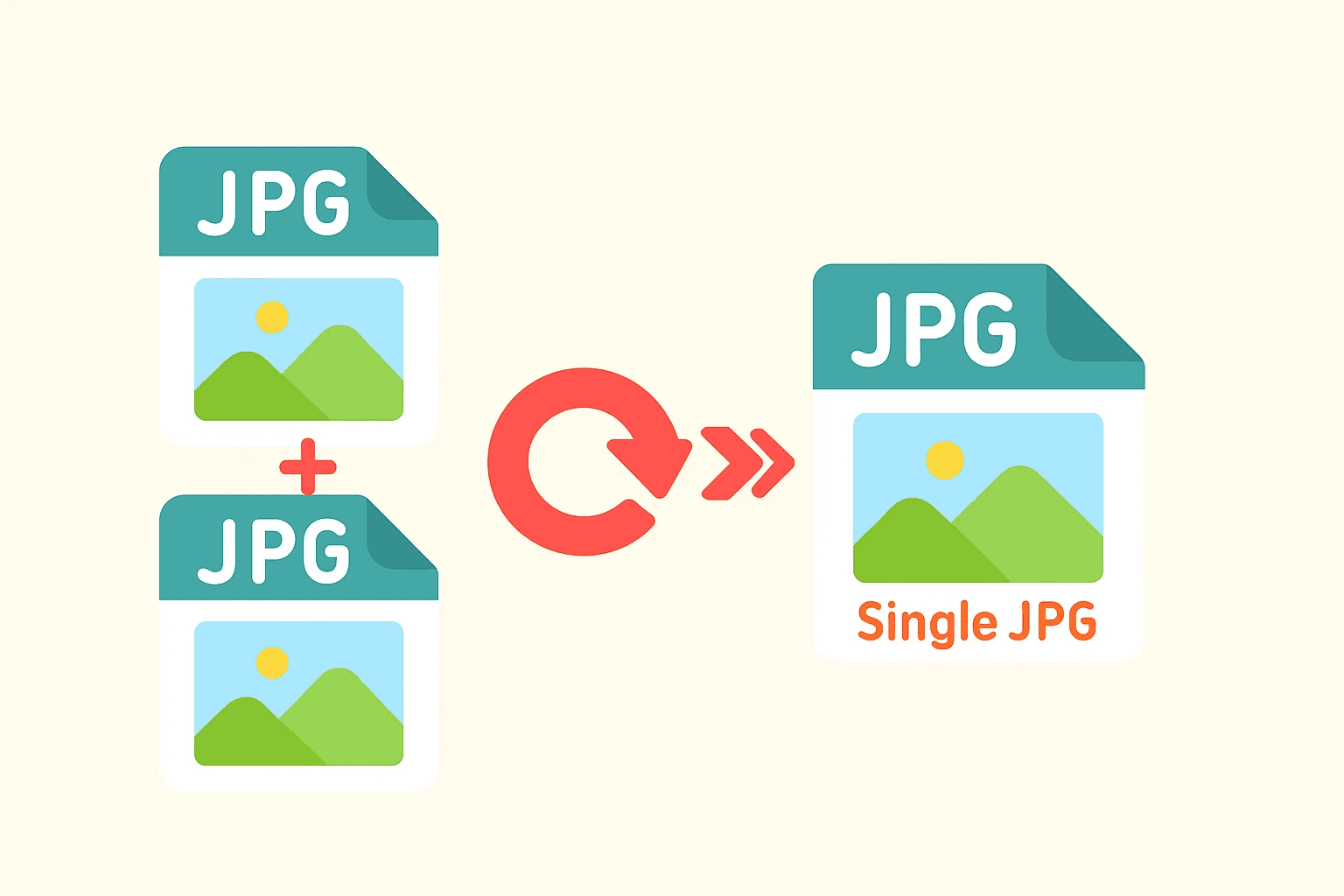
Whether you’re looking to combine JPG photos into a collage, create a printable sheet, or simply organize your images, our JPG merge tool gives you fast, high-quality results.
It runs smoothly on desktop, tablet, or mobile devices, so you can combine JPG images anytime, anywhere.
Start merging JPGs nowHow It Works?
How to Merge JPG Images Online
Upload your JPGUpload JPG Images
Select or drag and drop multiple JPG, JPEG,PNG, or Webp files into the tool.
Arrange the Order
Reorder images easily to control the final layout.
Choose Output Options
Merge images vertically or horizontally, then export them as a single JPG or document.
Download Instantly
Get your merged JPG or document in seconds.
Advantages of Using Our Online JPG Merge Tool
Free and Fast
Merging multiple JPG images takes only seconds. The process is completely free with no account required.
High-Quality Output
We use advanced compression algorithms that retain image quality while reducing file size, giving you a clean and crisp final result.
Privacy and Security
All uploaded images are automatically deleted after processing, ensuring your files remain private and secure.
Use Cases of Merging JPG Images
Merging JPG images online helps simplify file management, improve visual presentation, and reduce the number of images you need to upload or share. Below are the most common real-world use cases.

Photo Collage Creation
Combine multiple photos into a single JPG to create clean and shareable photo collages. This is ideal for social media posts, blogs, and personal albums, allowing you to tell a visual story in one image.

Document Scanning & Archiving
Merge scanned JPG images such as invoices, contracts, receipts, or ID documents into one file. This makes digital documents easier to store, send, and manage.
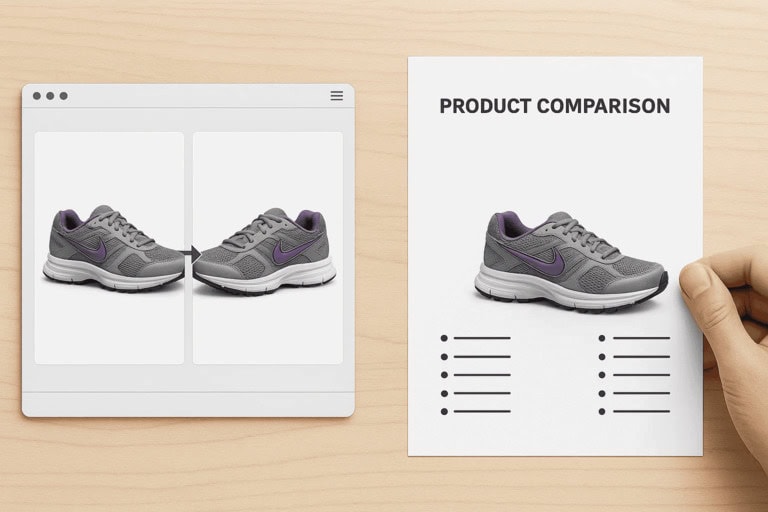
Product Images for E-Commerce
Join multiple product images into one JPG to show different angles, colors, or features. This helps create more professional and informative product listings.
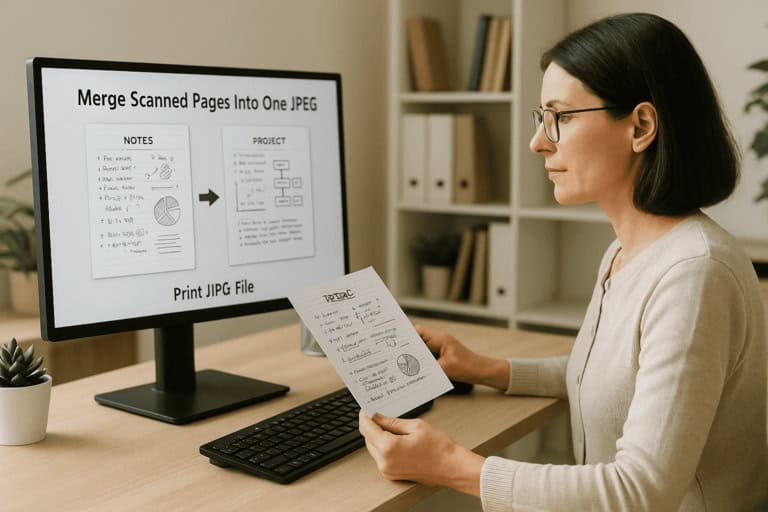
Printing & PDF Submission
Combine multiple JPG files into a single image before printing or converting to PDF. This is useful for school assignments, application forms, and official document submissions.
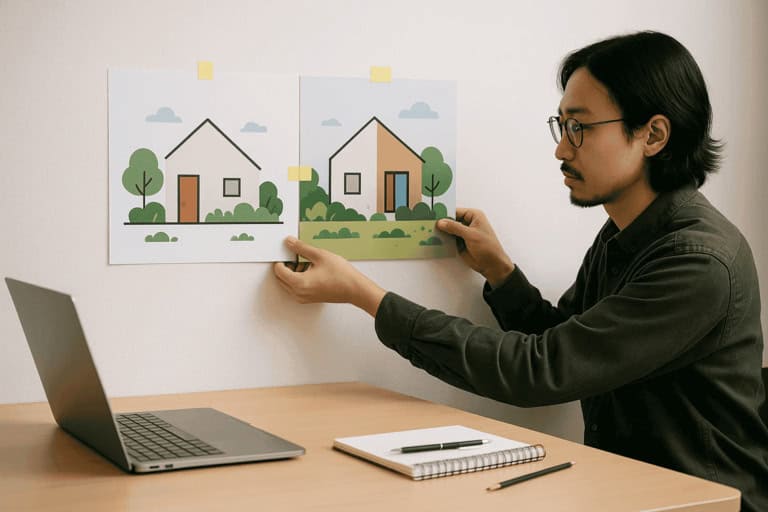
Image Comparison & Reports
Place multiple images side by side in one JPG for comparison or visual reporting. Common uses include before-and-after images, design comparisons, and progress documentation.
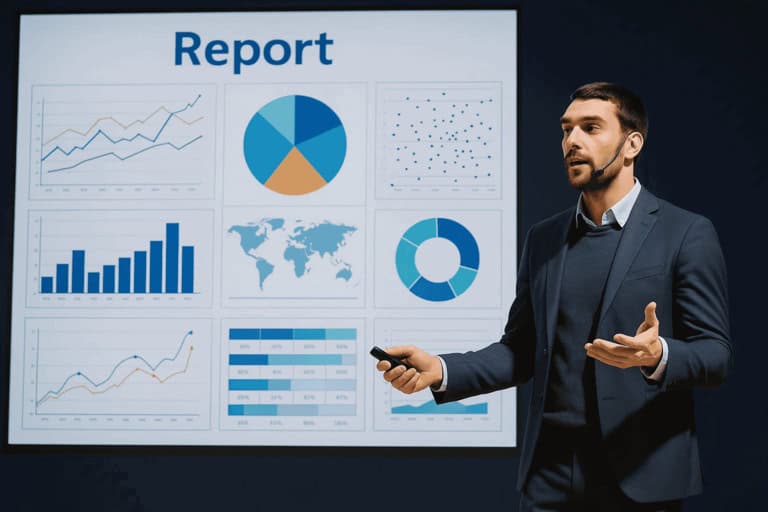
Presentations & Learning Materials
Combine images into a single JPG for presentations, slides, or educational materials. This helps present information more clearly while reducing the number of files needed.
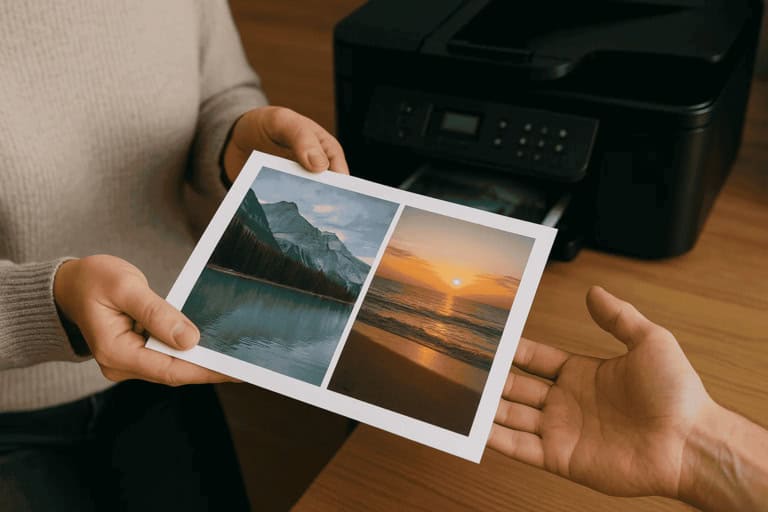
Personal Photo Organization
Merge related photos into one image to reduce file clutter and keep personal photo collections organized and easy to browse.
All of these use cases can be completed directly in your browser using Merge JPGs, without installing software or creating an account. Try it now.
Frequently Asked Questions
Is Merge JPGs free to use?
Yes, the tool is completely free with no sign-up required.
Is there a file size limit?
You can upload multiple JPG images. For best performance, we recommend keeping individual files under reasonable size limits.
Can I merge JPG images without losing quality?
Yes. The tool preserves original resolution and minimizes recompression.
Are my images uploaded to a server?
Images are processed securely and deleted automatically after processing.
Can I merge JPG into a PDF?
Yes, merged images can be used for document or PDF workflows.
How long are my files stored?
Files are processed automatically and deleted shortly after the merging process is completed. We do not store or share your images.